
Skin changer
Preview & loadouts
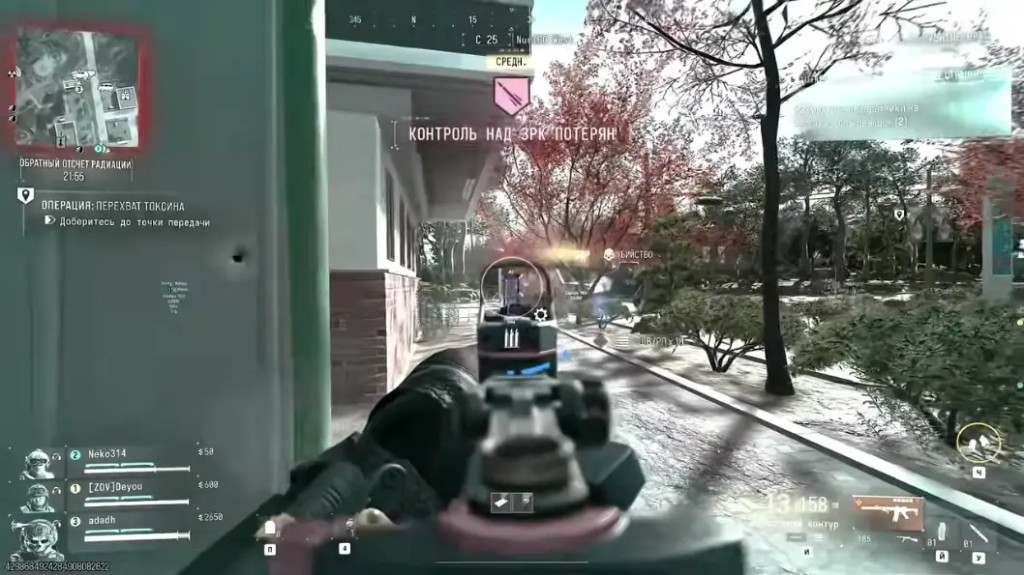
At a glance
Key capabilities
What Skin changer focuses on before you open the full module list.
Plus 10 additional modules in the operator portal—see the full list below.
Overview
Cosmetic preview and loadouts
How this build fits ranked, Turbo, and patch-day workflows.
Preview operators and weapon skins, manage loadouts, and roll back when you need the default look.
See [unlockables directory](/blog/mw4-unlockable-operators-weapon-blueprints-directory/) for planning—not every item previews every season.
Local preview
Preview operator and weapon cosmetics on your client, manage loadouts, and reset to defaults when you need a clean baseline.
After updates
Re-check compatibility after major patches—see [season update compatibility](/blog/mw4-season-update-compatibility-patch-day-safety/).
Modules
What's included
Every module and overlay shipped with Skin changer—toggle and tune in the operator portal.
- Multi-title support from one interface with profiles
- Centralized skin library
- Live preview before apply
- One-click apply for supported items
- Custom import for compatible assets
- Loadout manager with multiple presets
- Restore and reset to defaults
- Automatic install detection where available
- Post-update compatibility checks
- Preset export and import
Experience
In the client · After you buy
Use the screenshots above for Skin changer—below is what each layer means and how access works after checkout.
In-game layers
- Layer A
Local preview
Operator and camo discussion for skin tooling.
Guides
Learn more about Skin changer
Curated articles for setup, tuning, and patch-day checks that match this product.
How MW4 operators and weapon blueprints unlock, and what a local skin changer does not put on someone else’s screen.
How to test an MW4 stream-proof overlay in OBS before you go live, and what still shows up in a local recording.
What MW4 cheats and MW4 hacks face on day one in 2026: TPM 2.0, Secure Boot, aimbot, ESP, 2D radar, DMZ loot, and how to read the status label.
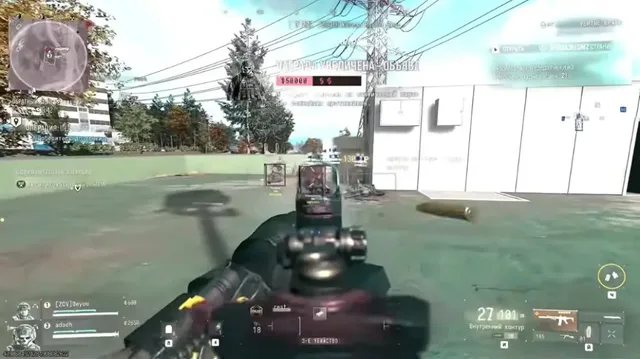
Which MW4 cheat features actually help in sweaty 6v6: aim smoothing, short ESP, a tight radar, and the layers you should turn off.
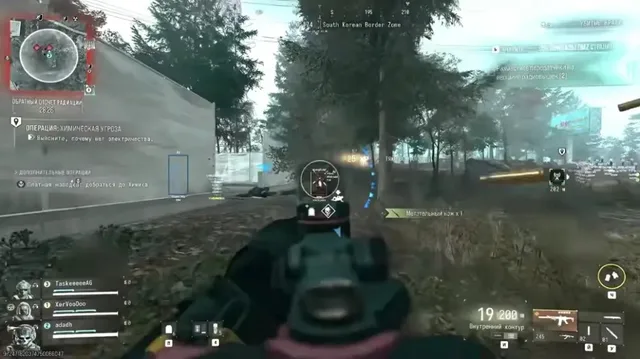
Soft aim and a full MW4 aimbot are different speeds of the same tool. Here is what actually changes your report risk in a match.
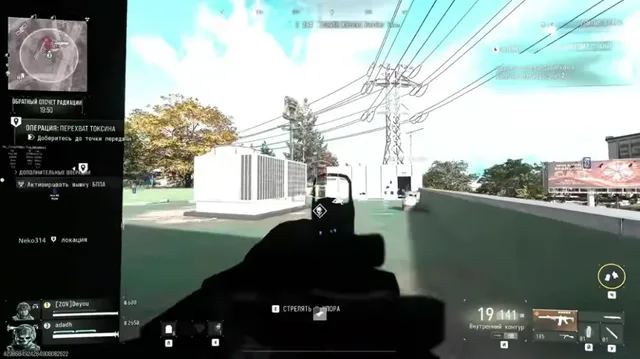
How to set MW4 ESP and wallhack colors for tight 6v6 corners and for DMZ in Hajin, without painting the whole map.
FAQ
Questions about this page
Answers tied to what you are reading—visit the FAQ page for every topic.